
Real-Time Webhooks for Commerce Events and Data Sync
Configure one URL, or several, and StoreChart sends a signed HTTP callback the moment an order, inventory, or customer event happens.
Every StoreChart event, reported instantly to any system
Configure one URL and get a signed HTTP callback for every relevant event, with no polling required.
- Every event — order, inventory, or customer — is sent as a full JSON payload to your configured URL.
- Every request is HMAC-signed so you can verify the source is really StoreChart.
- A failed delivery triggers an automatic retry, up to 5 attempts, so events aren't lost.
- Subscribe to only the events you care about instead of every event in the system.
How to set up a webhook in a few minutes
Three steps between configuring a URL and receiving your first real-time notification.
Add a URL in StoreChart's settings — one that points to a server able to accept POST requests and return a success response.
Pick which events should be delivered to that URL — new order, status change, inventory, or customer — so you don't receive traffic you don't need.
From the moment it's saved, every matching event is delivered instantly, and the log shows the status and response time of each request.
Every delivery attempt, successful or failed, appears in a run log with the response code and timing, so a receiving server that starts rejecting requests is visible immediately instead of discovered days later.
What unlocks once webhooks are connected
Events
Orders, inventory changes, new customers, and status changes can each be routed to a different URL.
Full payload
Every request carries the complete event data as JSON, with no follow-up API call required.
Signed security
Every request is HMAC-signed so your receiving code can verify the source is genuine, not spoofed.
Automatic retry
A failed request is automatically retried up to 5 times before the event is marked as undelivered.
Per-URL event filtering
Each configured URL subscribes only to the specific events it needs, so a warehouse system watching inventory doesn't receive customer events meant for a different endpoint.
Ordered, timestamped payloads
Every payload includes an event timestamp, letting the receiving system detect and safely ignore an out-of-order or duplicate delivery instead of applying stale data over newer data.
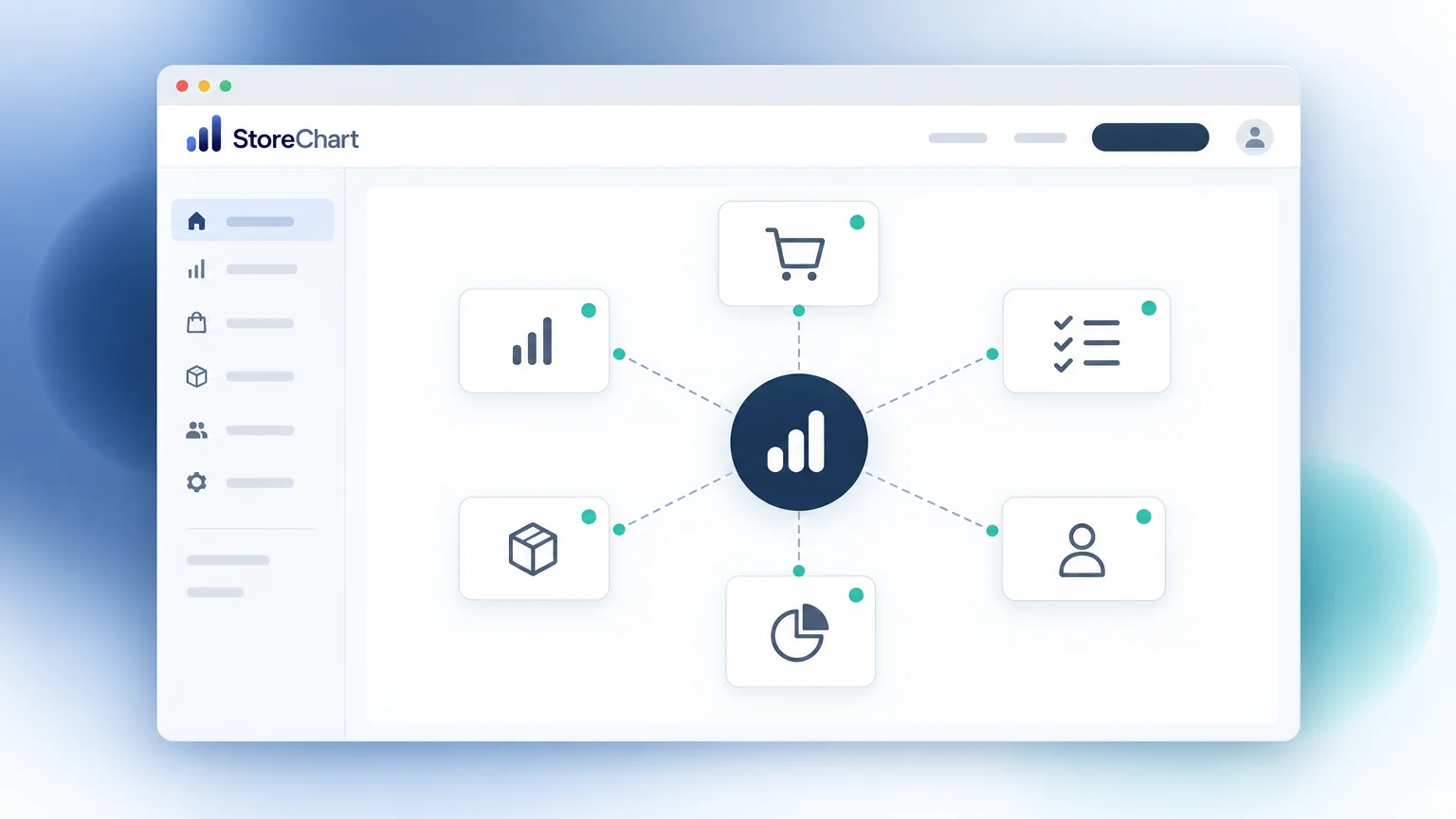
The webhook configuration screen in StoreChart
The screen lists every configured URL, the events subscribed to each one, and a run log with the response code for every POST call.
How should a developer design a reliable receiving endpoint for StoreChart webhooks?
Webhooks shift the responsibility of staying up to date from polling an API on a schedule to reacting instantly to events — but that only works well if the receiving endpoint is built correctly. The endpoint needs to respond quickly (a slow response can be mistaken for a failure) and return a success status code before doing heavy processing; a common pattern is to accept the payload, store it in a queue or database immediately, return success, and process it asynchronously afterward.
Signature verification is the security-critical step: every request includes an HMAC signature computed with a secret key unique to the account, and the receiving code must compute the same signature over the raw request body and compare it to the header value before trusting the payload — skipping this step means anyone who discovers the endpoint URL could send forged events. Because delivery isn't guaranteed to arrive in the exact order events occurred (especially across retries), each payload carries a timestamp so the receiving system can detect and discard an out-of-order or duplicate delivery rather than overwriting newer data with stale data.
On reliability, a failed delivery — a timeout, a 500 response, or a connection error — triggers up to 5 automatic retry attempts with increasing delay between them before the event is marked undelivered and logged for manual review. This makes webhooks a reasonable foundation for connecting StoreChart to a custom BI dashboard, an external accounting system, or a warehouse management tool, as long as the receiving side is built to expect occasional retries and out-of-order delivery rather than a perfectly sequential, exactly-once stream. Because each URL subscribes independently, it is common for a single StoreChart account to run several endpoints at once — one feeding a BI dashboard on new orders, another feeding an accounting system on customer changes — without any of them affecting each other's delivery or retry behavior.
Integrations that pair well with webhooks
Frequently asked questions
Every webhook is delivered as an HTTP POST request with a JSON body containing the event type, a timestamp, and the full data of the record that changed.
Set up your first webhook now
Add a URL, choose events, and receive your first notification within minutes.