
AI Chat Widget Embedded on Your Website
Embed a short snippet of code on your site, connect a knowledge base, and the widget answers visitors' product and policy questions with a seamless handoff to a human agent.
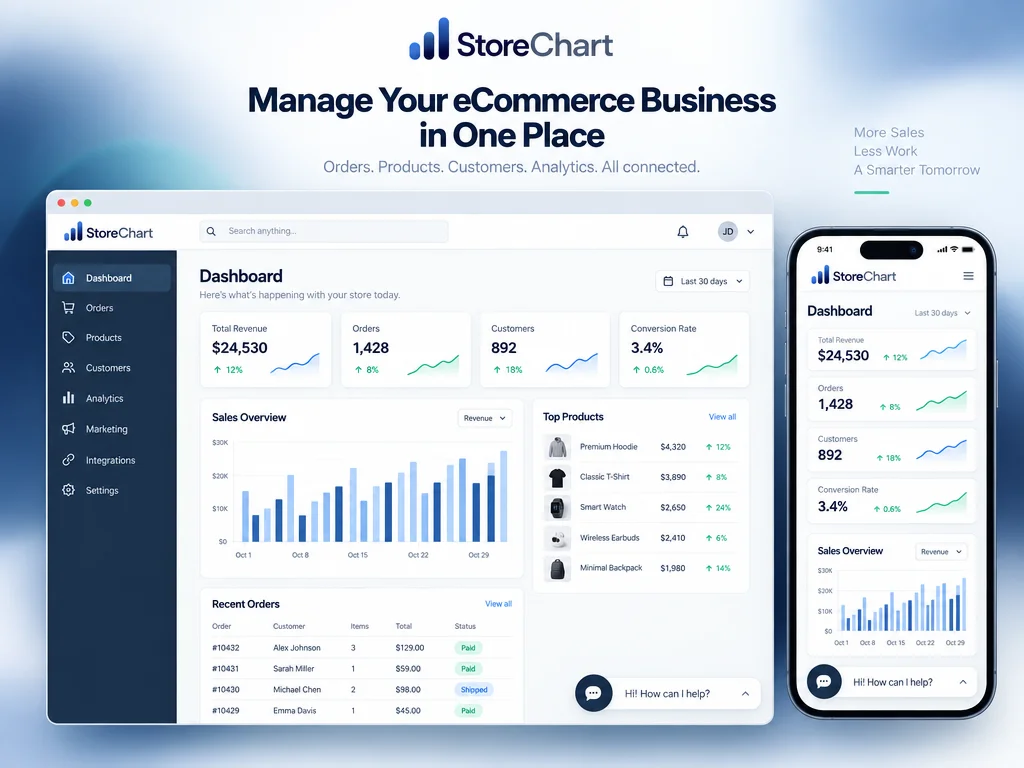
A website widget, not a WhatsApp bot
Answers from your own data, never a guess
- The widget is embedded directly on your storefront with a short code snippet, requiring no extra app for the visitor
- Every answer is retrieved from the knowledge base you configured — FAQs, product info, and policies — to prevent the bot from inventing an answer
- When the bot isn't confident in an answer, it hands the conversation to a human agent along with a short summary of what's already been discussed
- Full visual customization — colors, logo, avatar, and greeting message — so the widget feels like a native part of your site, not a bolted-on tool
AI agent capabilities
Advanced AI for service and sales, right on your website
How do you set it up?
An on-site agent in 3 steps
Upload FAQs, product information, and service policies to the knowledge base — this is the foundation the widget retrieves every answer from.
Choose colors, avatar, on-screen position, and an opening greeting, so the widget matches your site's design and brand identity.
Paste the code snippet StoreChart provides into your site, and the widget goes live within minutes.
The widget in action on a live site
The chat window appears in the site's corner mid-conversation, with the bot answering a product question in real time and a visible button to escalate to a human agent.


Frequently asked questions
No. The bot only answers from what you've entered into its knowledge base — it does not crawl the site on its own. This ensures answers are accurate and based on information you've actually approved, not on content that may have changed or is incorrect.
Add an AI chat widget to your website
Setup takes minutes, and it answers visitors from your knowledge base 24/7